Agent
There are two agents that can be used to configure the product. Both require an Input on an AI Connection , and both stage their work as proposals that can be reviewed and accept before anything reaches the live project.
The Agents
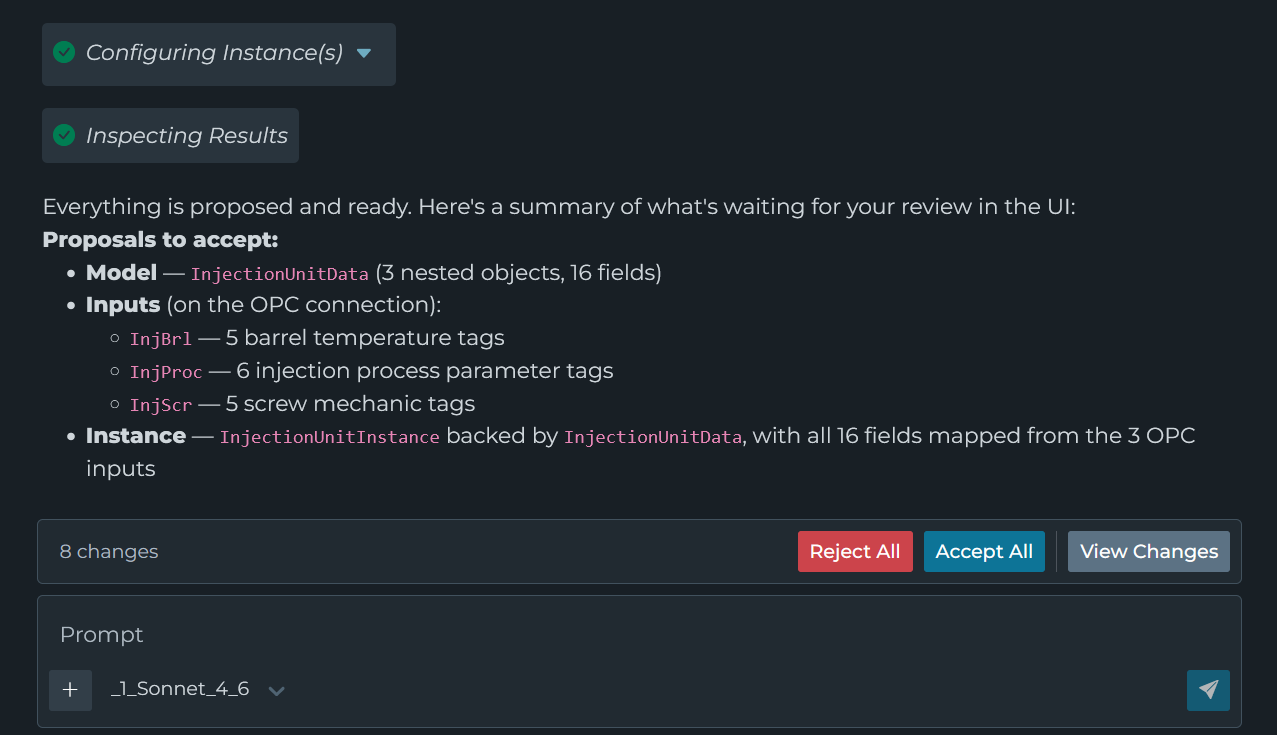
Found under Tools | Modeling Agent. It creates and updates Models, Instances, and Inputs. It can browse supported connections to discover sources, read data from existing inputs, and use uploaded files for additional context.
A panel on the pipeline page. It assists with building/editing the one pipeline, and can use debug transaction data and logs to help troubleshoot it.
Setup
Before using either agent, configure an AI Connection with at least one Input. That Input is selected from a dropdown in the agent’s prompt bar and determines which model the agent runs on.
See Model Suggestions for model recommendations and context window requirements.
Proposals
Neither agent writes directly to the live project. Changes are always proposed first, and are only saved after being manually accepted.
Limitations
One session per user
Each user can have one agent session at a time. Starting a session in either agent ends any session that user already had, including one running in another browser tab.
The agent is limited by the current user’s permissions
An agent runs with the permissions of the user who started it. It can only view/modify configuration that the current user has access to. This also applies to reading inputs/instances.
Large payloads may be truncated
Results returned by tools, such as a connection browse or a test read, are truncated at roughly 25,000 characters. When browsing, the agent page through large responses, but it may still miss data in a large address space.
If the agent is really struggling with a large address space, consider browsing manually and creating scoped branch/directory inputs that the agent can leverage for discovery.
Model Suggestions
Recommended models for best performance:
gpt-5.1or higherclaude-sonnet-4.5or higher
Gemini models are fully supported but have shown less consistent results in testing.
Requirements
To use an agent effectively, the model must:
- Have a sufficient context window
- Support tool calls
Context Window Requirements
The agents require significant context to operate. A single request carries the agent’s instructions, the schemas for every tool available to it, and the conversation so far, which alone can reach 32,000 tokens before the model’s own response.
Recommended context windows:
- Minimum: 64,000 tokens
- Recommended: 128,000+ tokens
Insufficient context leads to inconsistent results:
- Unable to modify pipelines effectively
- Failed JSON generation for tool calls