State
Pipelines can contain state that is saved to disk between runs. Common examples of Pipeline state might be machine status, indexing of a data source (ex. SQL), and more. Pipeline state is accessible via the JavaScript Stage. See that page for details on the state syntax.
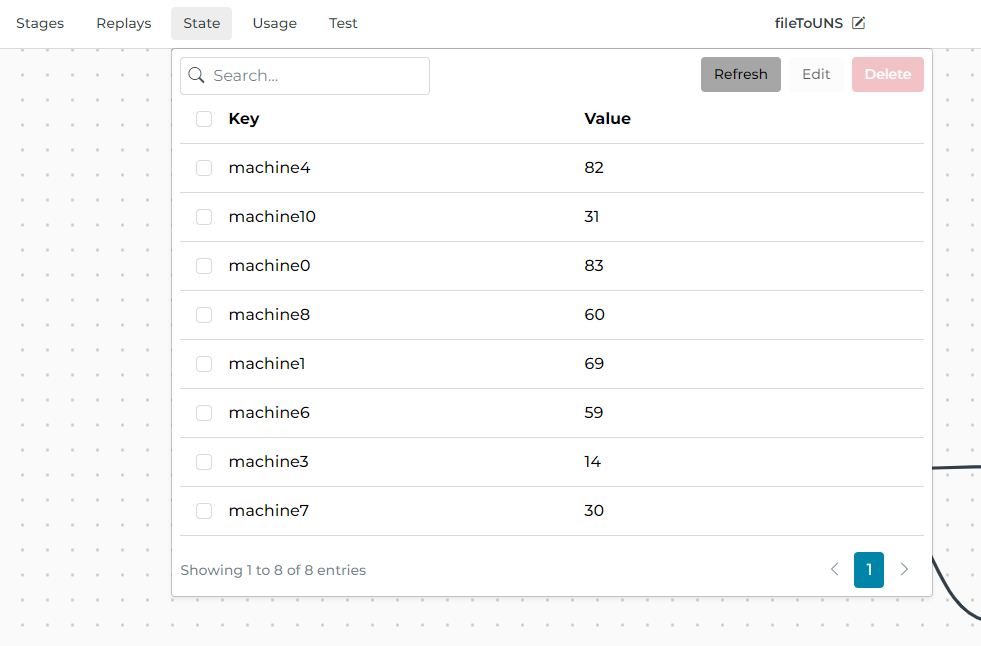
To view Pipeline state, select the State menu item in the Pipeline view. All keys and values for the current state are shown.
Remove State
To delete pipeline state select one/many rows from the list view, choose Delete, and confirm.
Edit State
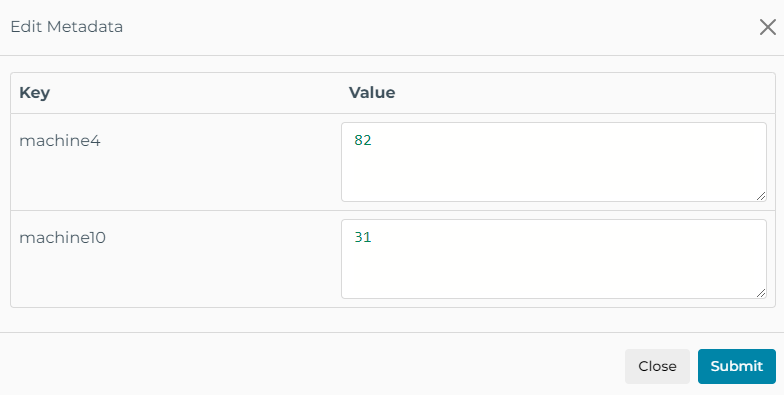
To edit pipeline state select one/many rows from the list view, choose Edit, and confirm. The Edit modal is populated with the latest JSON value and can be modified by replacing the value with any valid JSON value.